Palia Interactive Maps & Locations

Palia Interactive Maps

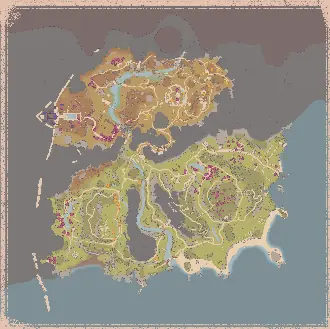
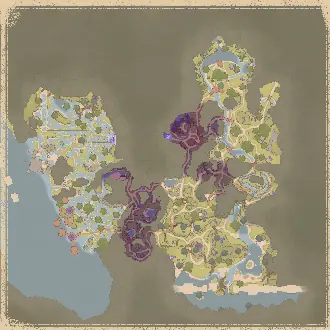
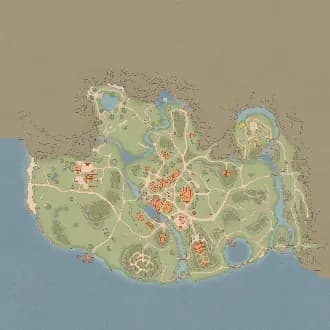
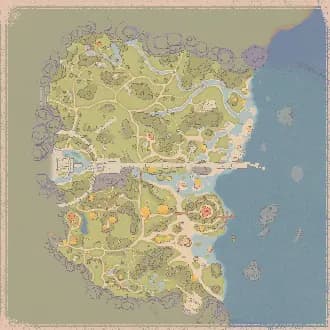
Explore Elderwood Map, Kilima Village Map, Bahari Bay Map in Palia with Rummage Pile, Plushies, Elderwood, plus more locations brought to you by The Hidden Gaming Lair!

Get AD​ Free

Looting ads... 💰

Website Updates

Wednesday, March 11, 2026

Filter Macro Categories

Games with many filter groups now organize related groups under collapsible categories, making the sidebar much easier to scan!

  • Palia — Bugs, Foraging, Fishing, Hunting, Lumberjacking, Hotspots
  • Wuthering Waves — Echo Sets, Monster Rarity, Spawn Sources
  • Avowed — Combat, Gathering, Interactables
  • Pax Dei — Crafting Skills
  • Blue Protocol: Star Resonance — NPCs, Documents, Monster Hunts
  • Satisfactory — Resources, Deposits
  • Infinity Nikki — Location Types, Collectibles
  • Palworld — Pals
  • Duet Night Abyss — NPCs
  • Once Human — Creatures

Categories have their own All/None toggle and progress bar, and collapse to hide all child groups at once.

Unified Filter Sidebar

The entire filter sidebar has been reworked for a consistent, compact look:

  • All filter groups, categories, drawings, and my filters now share the same interaction pattern — chevron expand, All/None toggle, and progress bar
  • The top section (map selector, presets, global filters) has been restyled to match — smaller, utilitarian text with count badges
  • Drawings and My Filters sections are now collapsed by default to reduce clutter

Settings Dialog Rework

  • Settings are now organized into clear visual sections (Map Behavior, Accessibility, Trace Line, Audio Alerts, Labels, Icon Sizes)
  • Reset Interface button moved to the bottom and now properly resets ALL UI settings — not just icon sizes

I'd love to hear your feedback on the new layout! Let me know if any categories are missing or if you'd like groups organized differently for your game.

Thursday, February 26, 2026

Leaderboard Rework

The Palia Leaderboard https://palia.th.gl/leaderboard has a new look. In addition to the Ranching skill, you will find more details about the players. The THGL App is supporting the leaderboard now too. If you play with the app, your skill levels are automatically tracked.

Thursday, February 19, 2026

Multi-language support

The THGL app now auto-detects your system language on first launch. You can also manually change the language anytime in Dashboard Settings. This feature is not available in the Overwolf apps. Note, that the map language support varies per game.

Marker Labels

Everyone can now display text labels above map markers for easier identification. This is especially helpful for colorblind users or when navigating crowded maps.

How it works

  • Click the settings icon next to any filter in the sidebar
  • Set the Label option to control when labels appear:
  • Off - No label (default)
  • Always - Label always visible
  • In Range - Label only shows when within alert range
  • Hotkey - Label shows while holding the Toggle Labels hotkey

High CPU

Fixed high CPU usage and lag spikes during gameplay.

Wednesday, February 18, 2026

High Contrast Markers

You can now customize the marker outline in Settings: choose color, opacity, and thickness.

Username and Avatar

You can now change your username and avatar for node comments at th.gl/support-me/account. This lays the groundwork for more account features - cloud backup and profile sync are next.

Close Behavior

You can now configure whether closing the THGL Companion App minimizes to tray or exits completely.

Elevated Auto Start

Optimized how the app launches with admin privileges on Windows startup. This should fix remaining UAC prompt issues.

Monday, February 9, 2026

Audio Alerts for Everyone!

Audio alerts are no longer limited to preview access - all users can now enable proximity-based sound notifications!

If you haven't tried it yet, here's a quick recap:

  • Enable Audio Alerts in Settings
  • Click the settings icon next to any filter in the sidebar
  • Toggle Audio Alert on for the items you want to track
  • When you get close to a tracked spawn, you'll hear a sound!

Thank you to everyone who provided feedback during the preview phase!

Marker Labels

@Elite Supporter You can now display text labels above map markers for easier identification. This is especially helpful for colorblind users or when navigating crowded maps.

How it works

  • Click the settings icon next to any filter in the sidebar
  • Set the Label option to control when labels appear:
    • Off - No label (default)
    • Always - Label always visible
    • In Range - Label only shows when within alert range
    • Hotkey - Label shows while holding the Toggle Labels hotkey

Settings

  • Label Text Size - Adjust how large the labels appear on the map
  • Toggle Labels Hotkey - Hold to temporarily show all labels (default: Shift+F5)

I'd love to hear your feedback on this feature! Let me know what you think, report any issues, or share suggestions for improvements.

Bug Fixes

  • Fixed crashes caused by circular loops and recursion during map transitions in Overwolf apps

Performance Improvements

  • Optimized marker rendering to reduce lag on large maps with thousands of markers
  • Improved proximity detection efficiency for real-time tracking
  • Reduced redundant canvas operations for smoother updates

Looking for more updates? Check out our Discord Server for the most recent changes!

Get AD​ Free

Looting ads... 💰