Palia Interactive Maps & Locations

Palia Interactive Maps

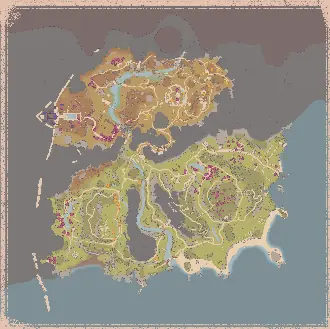
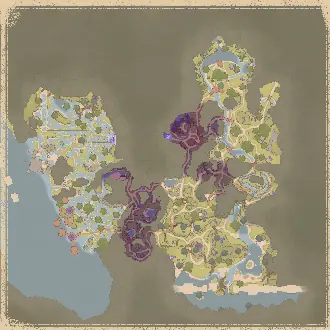
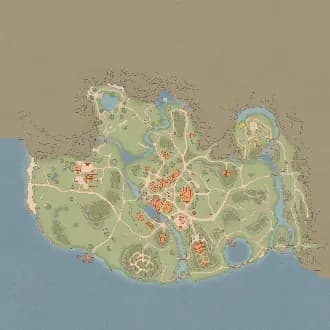
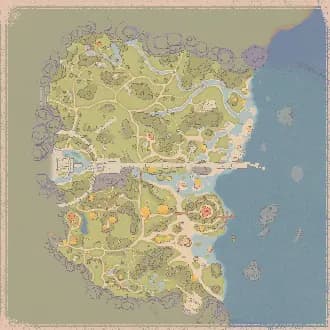
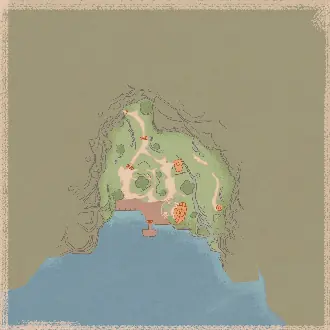
Explore Royal Highlands Map, Elderwood Map, Kilima Village Map in Palia with Rummage Pile, Plushies, Elderwood, plus more locations brought to you by The Hidden Gaming Lair!

11
Maps
17,600
Locations
May 29, 2026
Last Updated
In-Game Companion AppLive overlay with player tracking and auto-discoveryGet it free โ†’View all 11 maps โ†’
Get ADโ€‹ Free

Looting ads... ๐Ÿ’ฐ

Website Updates

Sunday, May 31, 2026

Community & Synced Filters

In the My Filters section you can now browse Community Filters โ€” filters shared by other users. This is an early test feature and I'd love your feedback! Browsing requires an account.

Your existing private and shared filters can now sync with your account too. Without an account they stay in your browser only; with an account they're stored server-side and synced across your devices.

Peer Link

You can now set a player name and color in Peer Link, shown to others in your group. Makes it much easier to tell teammate icons apart on the map.

FAQ Channel

The https://discord.com/channels/320539672663031818/1038352744341311528 is now synced with the website FAQ, so both stay consistent and are easier to maintain. If anything's missing or unclear, let me know.

Reset Audio Alerts

App settings now has a one-click Reset all for per-filter audio alerts โ€” turns every alert back off (separate from Mute All, which only silences them).

New Server Provider

I moved all projects from Vercel to Bunny โ€” more control and lower hosting costs. This should also fix connection issues for users in Russia and other regions that often block Vercel or Cloudflare.

Bug Fixes

  • Height indicators (up/down arrows) are visible again โ€” and now show for live spawns too
  • Fixed duplicate "Other Player" icons
  • Fixed custom node names not displaying
  • Mobile: Whiteboard and Peer Link now open from the map-tools menu
  • Palia: restored missing Lumberjacking filters (flow-infused saplings)

Tuesday, May 26, 2026

Live Mode is now a Tri-State Control

The Live Mode on/off toggle has been replaced with a three-way segmented control: Predicted, Combined, Live. Pick what you want to see on the map at any moment.

  • Predicted โ€” only the static and predicted spawn data are visible. No live tracking.
  • Live โ€” only spawns confirmed by the apps live reading. Permanent landmarks (vendors, towns) stay visible. Dynamic predictions are hidden โ€” you only see what's actually there right now.
  • Combined โ€” both modes layered: predicted spawns render faded, live-confirmed spawns render in full color. You see everything that could be there, with clear visual distinction for what's currently there.

The F5 hotkey now cycles through the three modes (was "Toggle Live Mode", now "Cycle Live Mode").

Performance Improvements

The overall rendering performance in the apps should be improved during player movement and panning the map.

Filter Search

A new search input inside the filter panel narrows visible filter groups + values by display name. Matching groups auto-expand and non-matching values are hidden, so you can find a filter without scrolling through dozens of categories. Works in all 18 supported languages.

The old "Expand all / Collapse all" toggle has been removed.

App Lineup Changes

  • Avowed Overwolf app and Hogwarts Legacy Overwolf app are deprecated. Both games are still fully supported in the THGL Companion App.

UI Fixes

  • Dialogs that were rendering partially off-screen (especially in small overlay windows) are now properly clamped to the viewport
  • Marker tooltips with high contextual content no longer get cut off when near the screen edge

Wednesday, May 20, 2026

Enable all variants โ€” one-click toggle

Click the gear icon next to any filter and you'll see a new Variants section above the size slider. One click enables (or disables) every variant of that entity at once โ€” base, starred, infected, amber-encased, masked, royal, magical, and every size โ€” across all the rarity subgroups they live in. Filters without variants (landmarks, campsites, etc.) hide the button so the popover stays clean.

So opening the gear on a single Gold ore filter lets you flip the whole "Gold across all sizes plus their amber versions" set with one click, and opening it on a Flame Queen lets you flip Flame Queen + Starred Flame Queen + their infected versions in one go. The "All / None" buttons at the group level still work the same.

Royal Highlands intro campsite pile

The introductory campsite in the Royal Highlands has a persistent rummage pile that doesn't rotate with the daily 2-of-10. It now shows up on the map under Timed Events โ†’ Campsite Pile (Intro), always visible regardless of live mode โ€” distinct from the regular Campsite Pile filter which still tracks the daily rotation.

Per-category icon size slider works now

Setting the icon size on a top-level category (e.g. opening the gear next to "Fishing" and dragging to 2.5x) used to do nothing โ€” only the per-rarity subgroup sliders had any effect. Both layers now work, and they multiply together with the per-filter slider, so you can do "all fishing 1.5x bigger, but legendary fish another 2x on top".

Wednesday, May 13, 2026

Amber Echo

Royal Highlands has a runtime "amber shell" mechanic that encases ores, bugs, plants, trees, fishing spots, and small creatures. Breaking the shell takes a few hits with any pickaxe and exposes the underlying item.

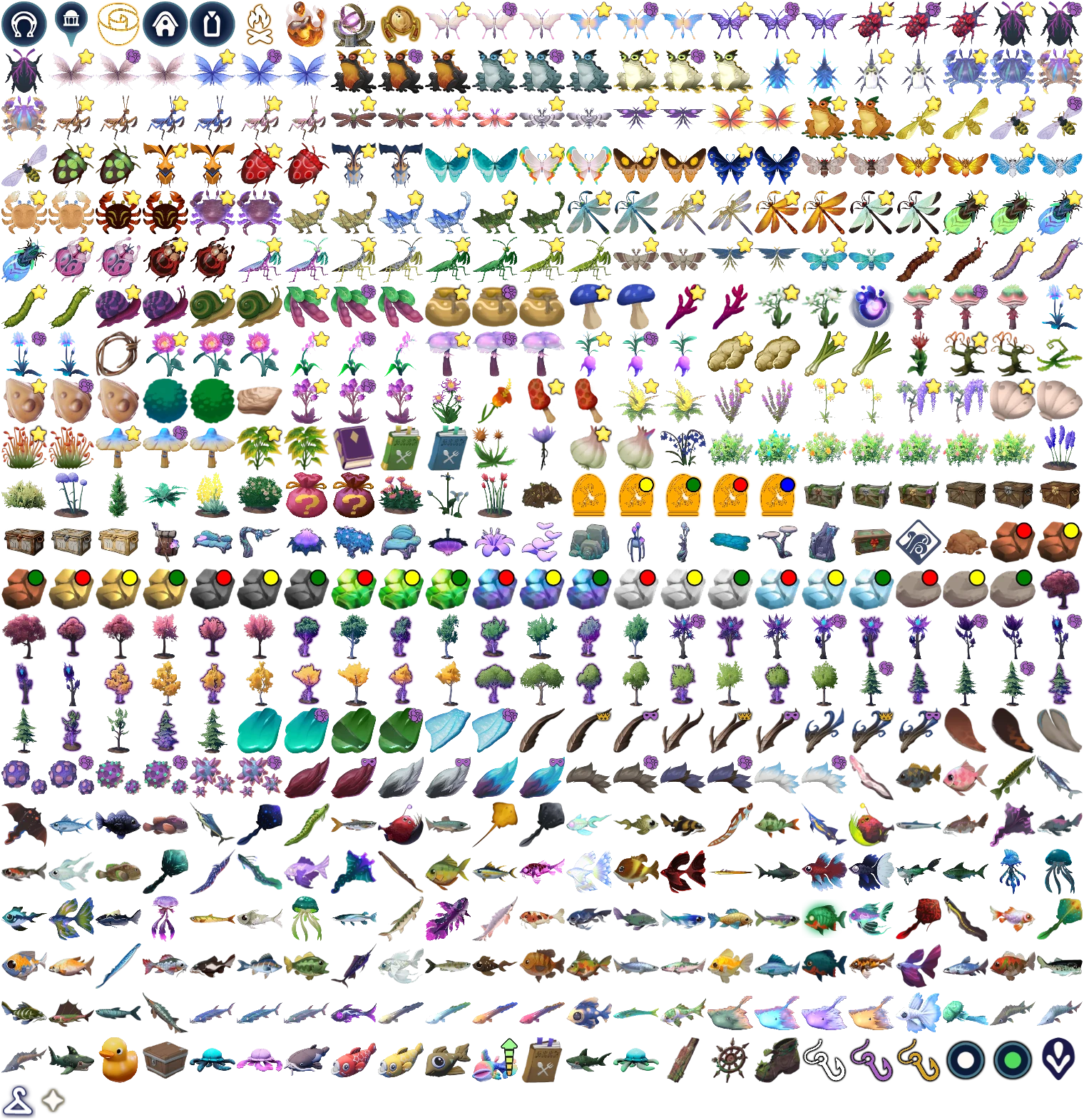
We now show the shell as its own marker, in a new top-level Amber Echo filter group alongside the inner item:

  • Bug Amber / Fishing Amber
  • Forage Amber (S / M)
  • Hunting Amber โ€“ Rabbit / โ€“ Sernuk
  • Mining Amber (L / M / S) with the same red/yellow/green size circles as the regular mining filters
  • Tree Amber (L / M / S / XS) โ€” the XS slot covers Saplings

Toggle the whole group off to hide every amber shell at once, or pick individual sub-filters when you're hunting specific categories. The inner content (e.g. amber-encased Iron, amber-encased starred Mossy Moth, amber-encased Royal Birch) still renders as its own marker under its normal filter โ€” so an amber-starred-moth will show two markers at the same position: one under Bugs (Starred Mossy Moth) and one under Amber Echo (Bug Amber).

I hope this solution is working well for everyone. Please give me feedback.

Wednesday, May 13, 2026

New filters / cleanup

  • Amber Echo is now its own filter for each skill (Mining, Lumberjacking, Foraging, Bugs, Hunting) โ€” works just like Star Quality / Echo Infected. Toggle it independently per skill. If this is not useful, we can drop these additional filters later.
  • Mining is now its own filter category (Mining / Mining - Amber Echo).
  • Masked and Royal variants got a colored badge indicator (purple domino mask, gold crown) โ€” same idea as the Infected dot.
  • Masked / Royal naming flipped to suffix style: "Elder Sernuk - Masked" and "Elder Sernuk - Royal" (was "Masked Elder Sernuk"). Translated for all 10 locales.
  • Filter sort order: Legendary bugs are now at the top of Bugs (above Epic). Masked / Royal variants in Hunting now sort before Infected.

Amber Echo coverage fixes

  • Amber-encased ores (Iron, Copper, Stone, Jadiumโ€ฆ) now show โ€” previously only Gold did.
  • Amber-encased trees (Ashwood and others) now show โ€” previously only Elderwood did.
  • Same fix applied to foraging.

Live mode fixes

  • Ancient Wood (Elderwood) trees now display proper tree icons โ€” was showing a fallback wood-plank icon.

Campsites (Royal Highlands)

  • Campsite icon now has an orange outline so it's easier to spot against the tile background.
  • Live Mode enabled โ€” only the 2 currently active campsites render (out of 10 daily spawn anchors). When Live Mode is off, all 10 anchors remain visible.
  • Anchor count corrected from 14 โ†’ 10 (Hope this is right now)

Campsite Rummage Piles (new)

  • New Campsite Pile filter under Timed Events, with its own AZ3 rummage-pile icon.
  • Tracked live via THGL App and Overwolf โ€” the 2 active piles each day light up automatically, and the marker is filtered out once the pile is looted.
  • The Rummage Pile page now has a Royal Highlands tab that works exactly like the Kilima / Bahari / Elderwood tabs โ€” live positions, "Live โ€ข N minutes ago" status, falls back to "All Locations" if nothing has been reported yet.
  • Note: campsite piles rotate once per real-world day at 12:00 server time - I am not sure if this leads to additional issues right now. Give me feedback here please.
  • Pile markers now render on top of stable / location markers on the rummage-pile page.
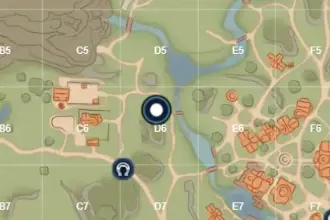
  • Grid overlay (Aโ€“K ร— 1โ€“11) added to the Royal Highlands tab.

Auto map switch

  • Map now switches to Royal Highlands automatically when you cross the zone boundary (was stuck on Elderwood for some players).

Thanks for the bug reports and the patience โ€” keep them coming, especially anything missing on AZ3.

Looking for more updates? Check out our Discord Server for the most recent changes!

Get ADโ€‹ Free

Looting ads... ๐Ÿ’ฐ

Palia Interactive Maps & Locations